
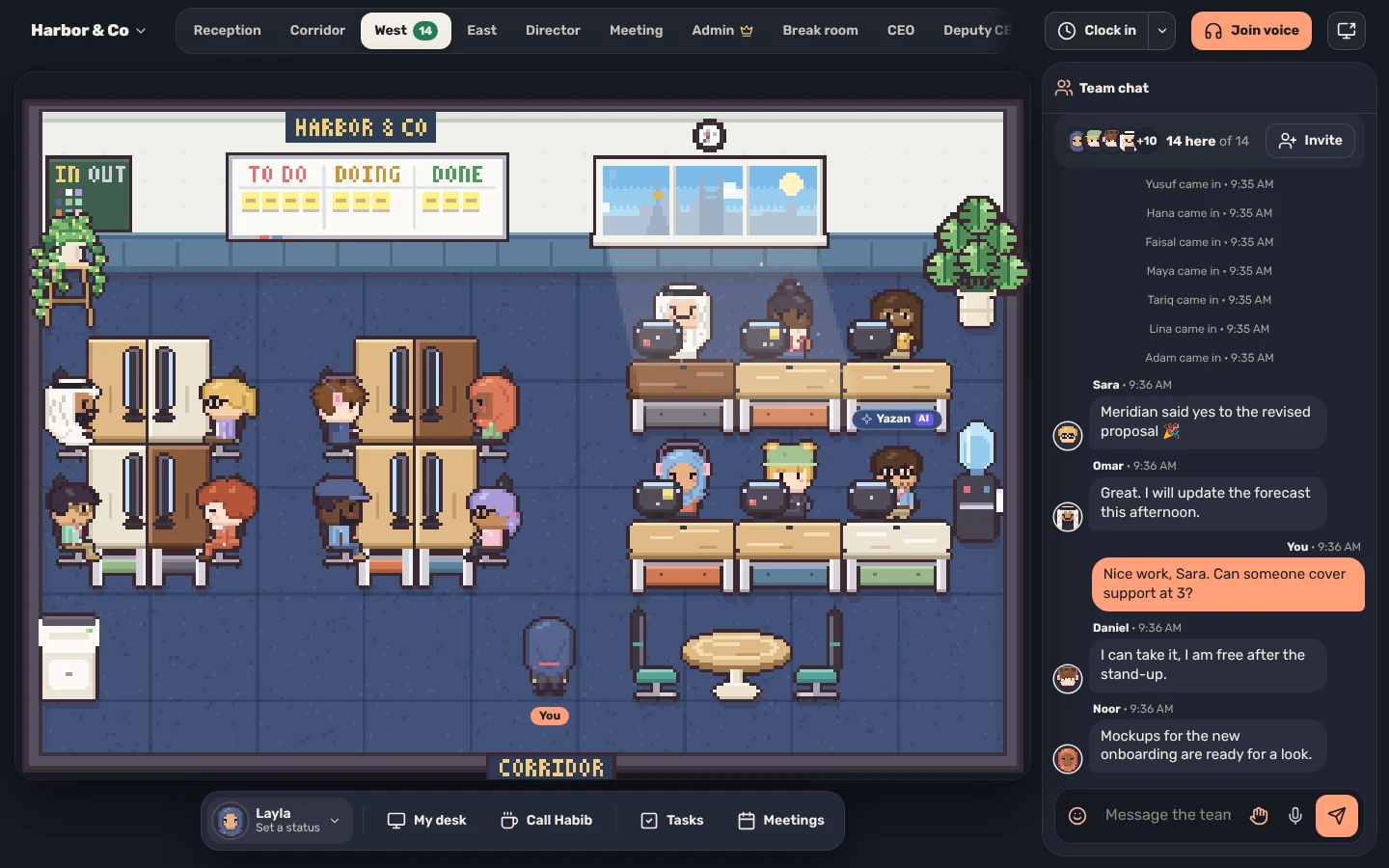


One shared office in your browser. See who's in, walk over to talk and keep tasks moving.
Runs in the browser on a computer or phone.

A desk for everyone, with a status and a “working on” line.
Walk up to a teammate and talk. No call to schedule.
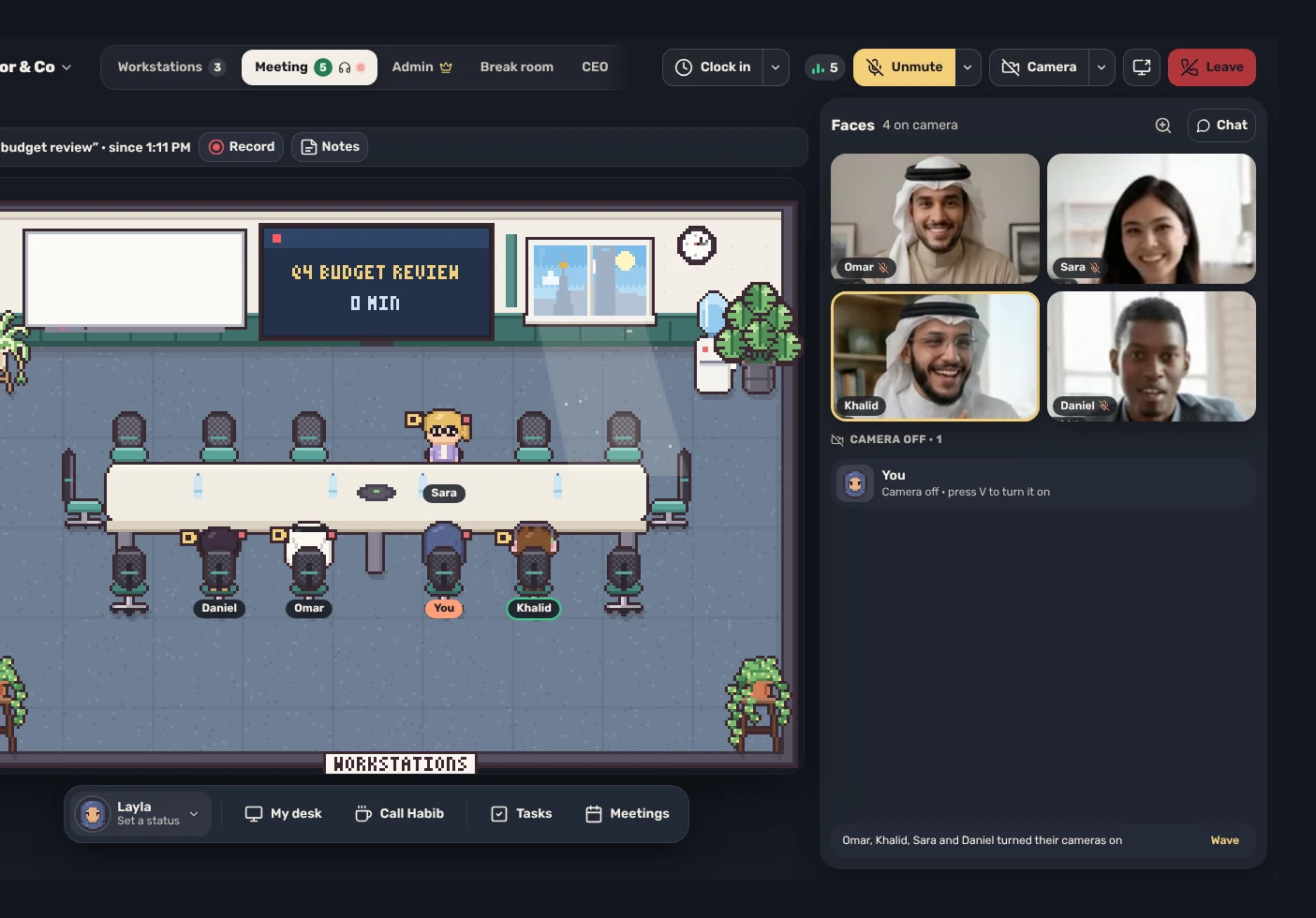
Voice, cameras and a big screen to share. Guests from outside come in with no account.
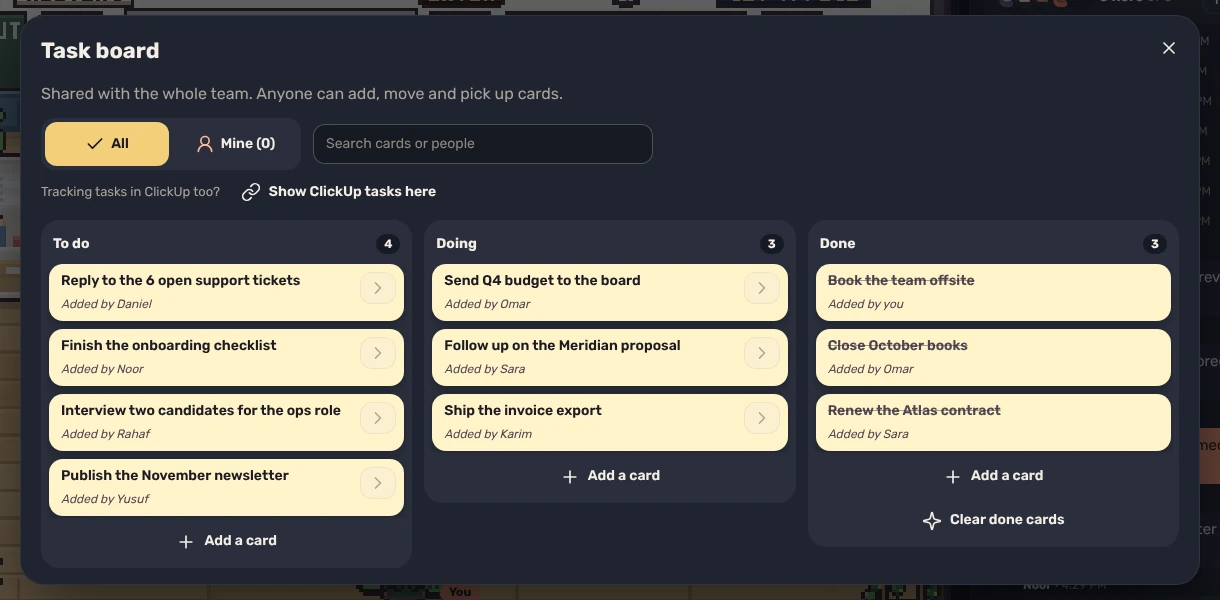
Use the board on the office wall, or sync it with Jira, Asana, ClickUp and more.
Team chat, direct messages and voice notes, kept for whoever was away.
Link the calendars, meeting apps and project tools your team already uses.
See who's around
A desk, a status and a “working on” line for everyone.
Who's in today
Talk without scheduling
Voices come through when you're near a teammate.
Keep work moving
A task board on the office wall, or synced with Jira, Asana, Trello, Linear and more.
Yazan, the Premium assistant, takes notes and adds cards. Pricing

Create an account and name your office. The rooms are ready.

Type a work email and we send the invitation.

Arrange the rooms, hand out desks and connect your tools.
No. The Office runs in a modern browser on desktop and phone. You can also open it inside a Discord server.
Voices come through when you are near a teammate, and the meeting room adds cameras and a shared big screen. If your network is strict, your admin can add a relay so voices still connect.
Yazan comes with the Premium plan and your admin switches him on. He never sends a message, task or note for you until you approve the exact words, and he never reads direct messages.
Team chat, direct messages and voice notes are kept, so nobody misses what was said while they were away, and only the writer can edit or delete a message. There are no ads, analytics or trackers, and anyone can delete their own account from Settings.
Yes. The Office is a small Node server you can deploy on your own infrastructure.